E-commerce
How to Sell Online in the GCC: Saudi Arabia and the UAE
What a Lebanese or MENA brand has to get right on tax, customs, licensing, payments and Arabic before the first order ships.
Mohamad Haidar
9 October 2026 · 12 min read
In a market where customers live on WhatsApp and pay cash at the door, the order confirmation flow is not a nice-to-have. It is margin.
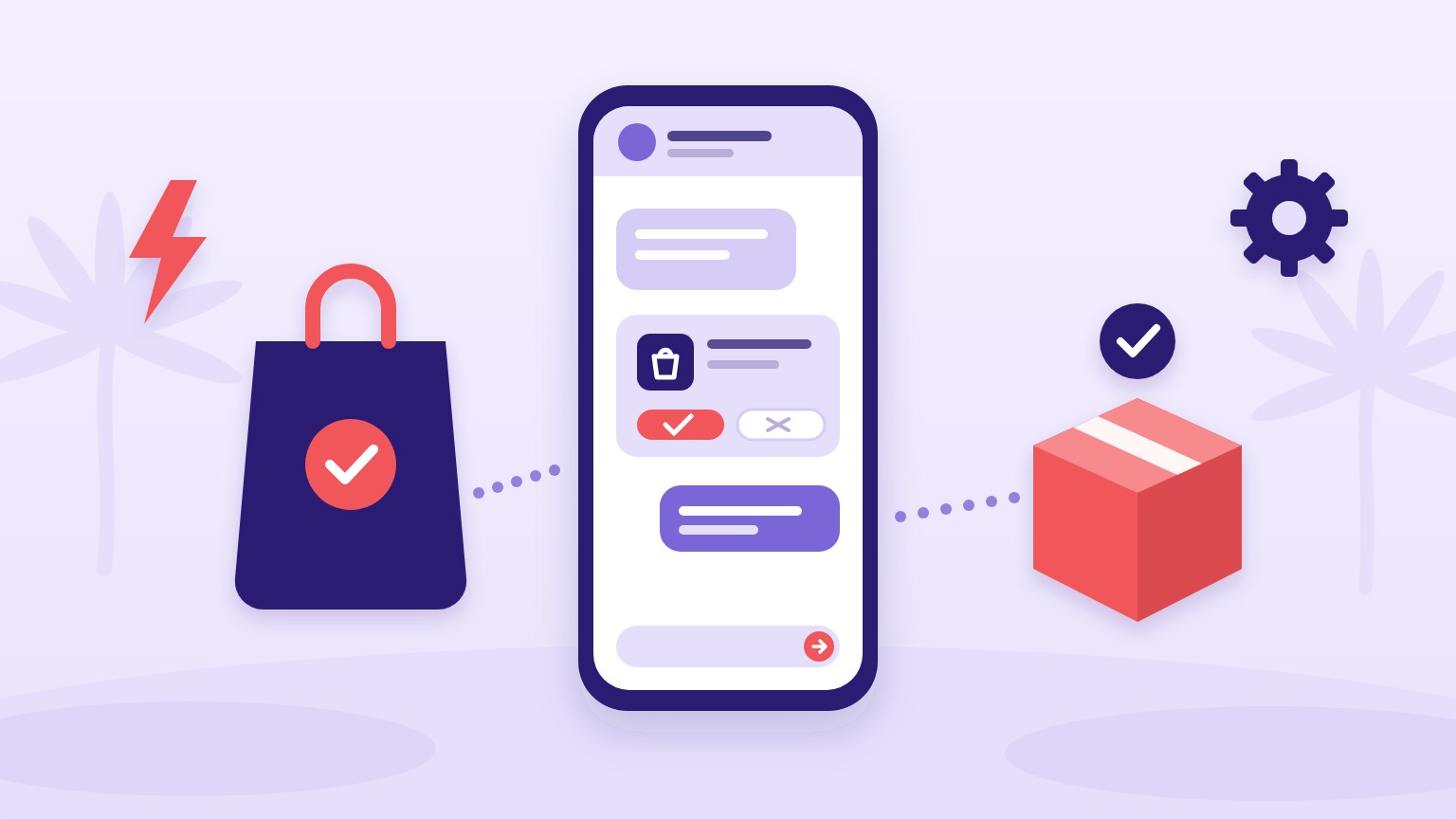
A working WhatsApp setup for a Shopify store has four layers, in order of return:
Below: which WhatsApp product you actually need, how to wire it to Shopify, the template rules that get stores blocked, and what it costs.
WhatsApp sells two different things, and most store owners only know the first:
| WhatsApp Business App | WhatsApp Business Platform (API) | |
|---|---|---|
| Built for | One person replying by hand | Automation and integrations |
| Automation | Greeting and away messages only | Full flows triggered by Shopify events |
| Users | One phone, limited multi-device | Teams and software, no phone needed |
| Shopify integration | Manual copy-paste | Native via apps or API |
| Cost | Free | Meta bills per delivered message, plus any app or provider fee |
The rule of thumb I teach: under roughly 10 orders a day, the free Business App plus discipline is fine. Past that, the manual confirmation work starts eating hours daily and orders slip through unconfirmed, so the Business Platform through a Shopify app pays for itself. The Platform is reached through Meta's Cloud API [1], and Meta bills for the messages you send through it, as covered under costs below.
Three routes, by increasing effort:
Whichever route you choose, the Shopify side is the same set of triggers: order created fires the confirmation flow, checkout abandoned fires recovery, fulfillment created fires the shipping update.
Business-initiated WhatsApp messages must use templates approved by Meta, and templates are categorised as utility, marketing or authentication. [3] The rules that matter in practice:
Since 1 July 2025 Meta charges per delivered message instead of per conversation. It charges only for messages from businesses to customers, never for messages customers send you, and the rate depends on the message category and the market. Lebanon sits in Meta's "Rest of Middle East" rate band alongside Bahrain, Jordan and Yemen. Some messages cost nothing: Meta does not charge for marketing, utility, authentication or service messages while a free entry point window is open. [6] Meta updated this page on 30 September 2026, with changes effective 1 October 2026, so pull the current rate card for your market before projecting costs, and add the monthly fee of whichever app or provider you chose. [6]
Partly. The WhatsApp Business App is free but only automates greetings and away messages, with no Shopify triggers. Real automation needs the WhatsApp Business Platform, where Meta bills per delivered business-to-customer message by category and market, plus whatever the connecting app or provider charges. Some messages are free, such as those sent while a free entry point window is open.
It removes the orders that would have been refused at the door from your dispatch queue, because unconfirmed and cancelled orders never ship. The saving is your courier's failed-attempt fee times the orders filtered out, which you can measure on your own store within a month.
Yes. Meta requires opt-in before sending business-initiated messages, and spam is one of the violations it enforces against. Collect consent at checkout and store it with the order.
Utility templates relate to a specific transaction the customer initiated, such as order confirmations and shipping updates. Marketing templates are promotional. Meta prices each category separately by market, and you should send marketing templates sparingly because they spend your audience's goodwill as well as your budget.
Hands-on work on product research, store build, payments and delivery operations, ads and retention, assessed on a real capstone.
View courseTrainer-written tips on e-commerce, AI marketing and paid ads, updated as the platforms change.
Browse the tipsWhat a Lebanese or MENA brand has to get right on tax, customs, licensing, payments and Arabic before the first order ships.

The store is the easy part. Payments, cash on delivery, couriers and trust are what decide whether a Lebanese or MENA Shopify business is profitable.

Most Lebanese stores set Meta budgets by feel and judge results against ROAS numbers from other markets. Both habits burn money. Here is the math that replaces them.